RunePortrait — CLI AI State Animator
A downloadable tool
What is RunePortrait?
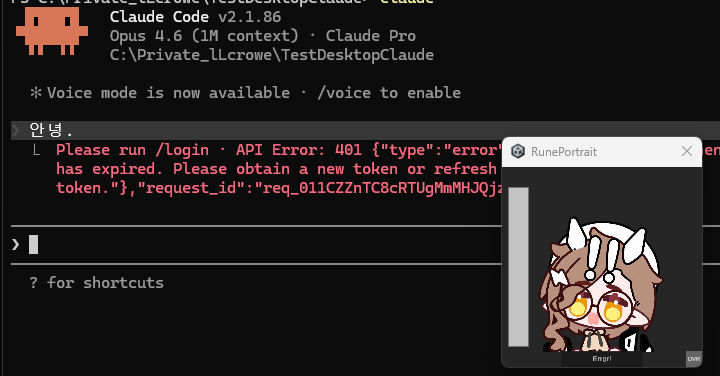
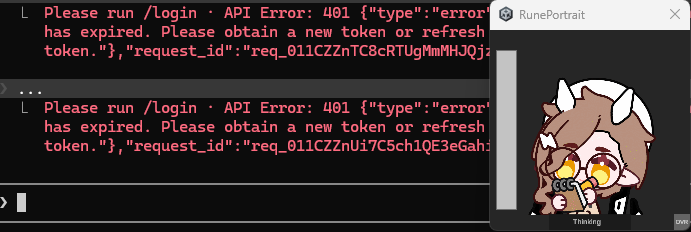
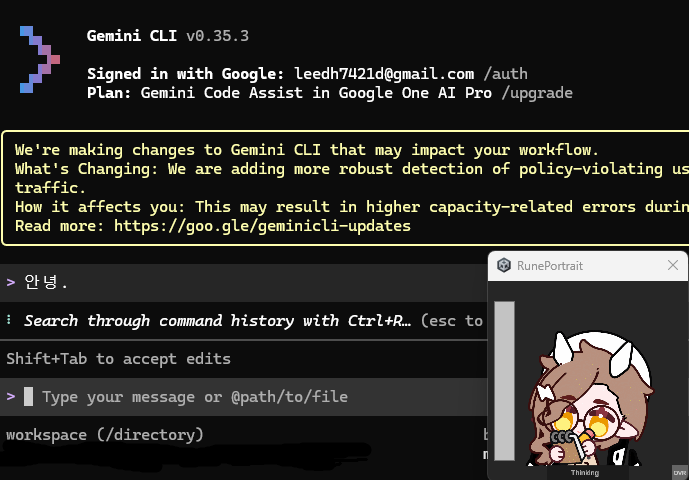
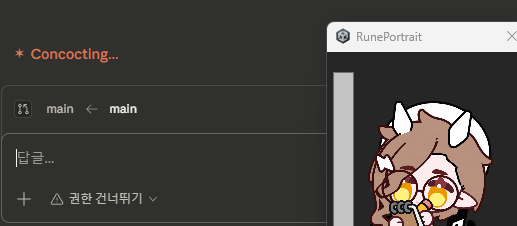
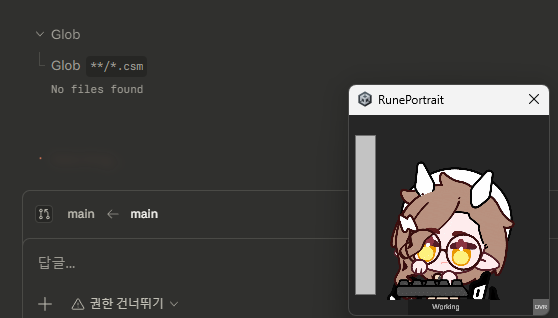
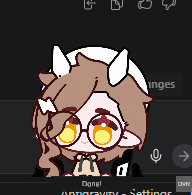
RunePortrait is a transparent desktop overlay that visualizes your AI assistant's status as animated characters. When your AI thinks, writes code, encounters errors, or completes tasks — your character reacts in real-time.
See your AI thinking, writing, and reacting — right on your desktop.
Features
- Transparent Overlay — Always on top with click-through. Your character floats on your desktop without blocking anything.
- 6 States — Idle, Thinking, Writing, Compacting, Error, Success. Each with its own animation.
- PNG Sequence Animation — Use any character you want. Just drop PNGs into folders.
- Auto Hook Install — First launch detects Claude Code, Gemini CLI, Codex CLI and sets up hooks automatically. Zero config.
- Mode Toggle — Press
Ctrl+Shift+Gto switch between overlay mode (transparent) and frame mode (resizable window with controls). - Customizable — Adjust opacity, animation speed, window size via settings file.
- System Tray — Minimize to tray, right-click for quick options.
Supported AI CLIs
| AI CLI | Auto Setup |
|---|---|
| Claude Code | hooks → settings.json |
| Gemini CLI | hooks → settings.json |
| Codex CLI | hooks → config.toml |
| Others | Python script provided (rune_status.py) |
Right-click the system tray icon to open hook settings — install, remove, or toggle hooks per CLI.
How It Works
- Run
RunePortrait.exe - It auto-detects your AI CLI and installs hooks
- Your AI writes status to a JSON file → RunePortrait reads it → character animates
- That's it. No setup needed.
Add Your Own Character
Images are not included — you bring your own character PNGs.
Drop PNG sequences into the empty folders under StreamingAssets/frames/:
frames/
├── idle/       ← idle_001.png, idle_002.png, ...
├── thinking/   ← thinking_001.png, ...
├── writing/
├── compact/
├── error/
└── success/
- Files are sorted alphabetically. PNG only. No size restrictions.
- Missing folders are simply skipped.
- You can use any art style — pixel art, anime, photo, AI-generated, etc.
Note on Screenshots
Screenshots on this page use character images created with EmoteLab.
Character images are NOT included in the download. You need to prepare your own PNG sequences.
Requirements
- Windows 10/11
- Supported AI CLI: Claude Code, Gemini CLI, or Codex CLI (auto hook install)
- Other tools can integrate via JSON file or the provided Python script
- Your own character PNG sequences (6 states)
Download
Click download now to get access to the following files:
Leave a comment
Log in with itch.io to leave a comment.